Trusted
Community commerce, reimagined
Buy Local. Sell Local. Trust Matters.
Buy and sell locally with people you trust — from fresh produce and homemade goods to everyday community finds.
Trust-led
Local-first
Direct connection
Shop localDiscover nearby finds
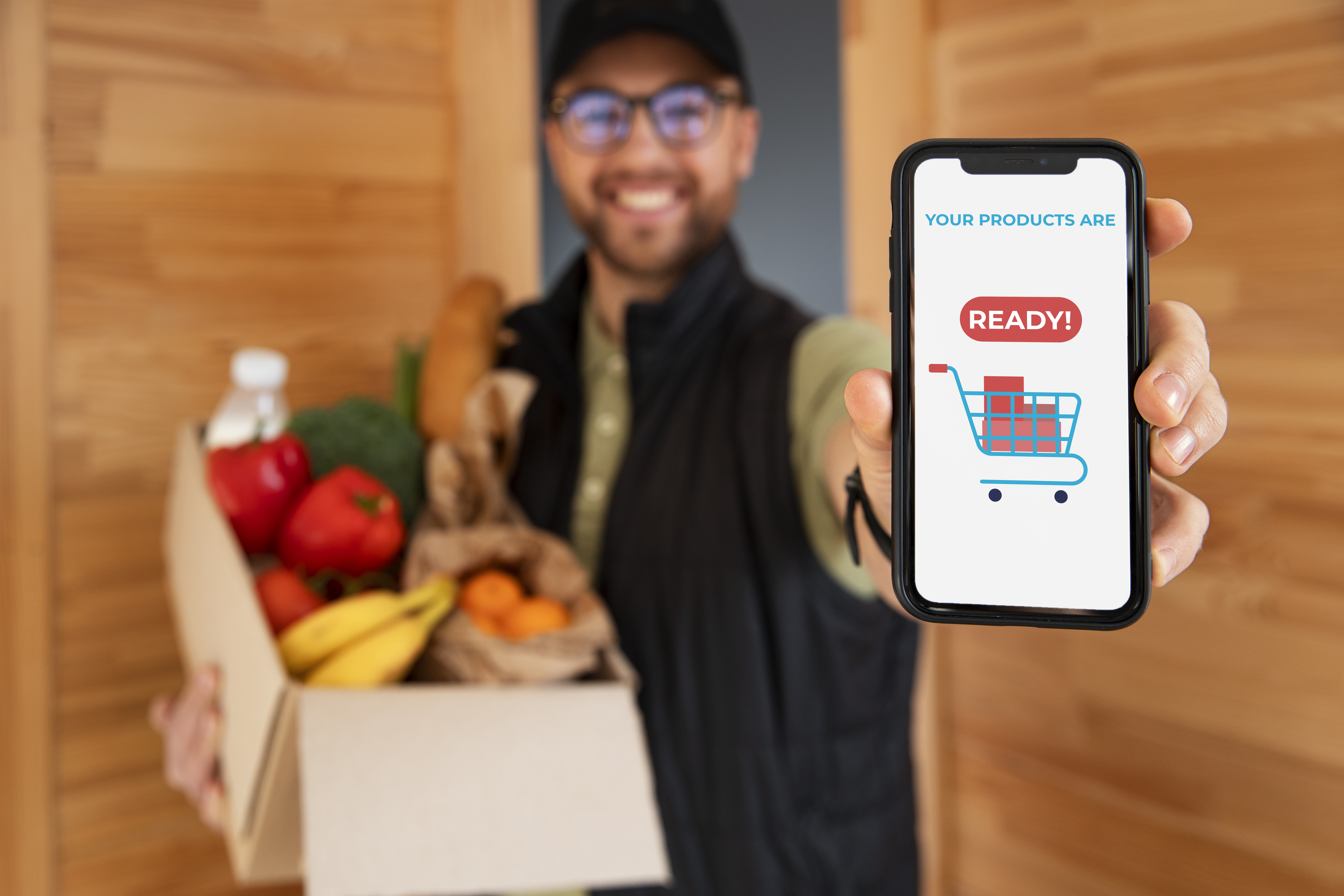
Trusted circlesPeople you know
The Trust Circle
About Circle Cart
Circle Cart makes local buying and selling personal and trust-driven. Discover goods from farmers, home cooks and small sellers nearby, or create your own shop and share what you make with people in your trusted network.
People, not profilesBuild your marketplace around genuine relationships.
Confidence in every exchangeConnect, chat and agree directly with your circle.
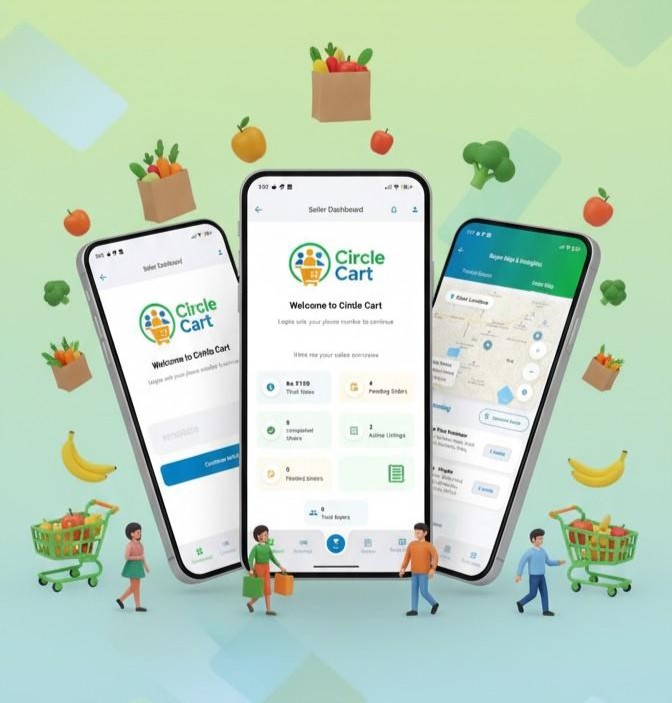
Fresh from your community
See what people around you are selling
Fresh produce, homemade goods and everyday finds from sellers in your community.
Trusted
Organic Vegetables
₹80 / bundle
Trusted
Homemade Cake
₹450
Trusted
Local Honey
₹350A taste of what your local circle could offer
Made for everyday exchange
Why Circle Cart?
Discover nearby products, connect with people you trust, and buy or sell within your community.

Your Trusted Circle
Buy from sellers you choose to trust.

Discover Nearby
Find products and people within your local community.

Start Selling Easily
List what you have and start receiving orders in minutes.
Two sides. One trusted circle.
How It Works
Find good things, closer to home.
Browse products from people around you, connect directly and choose the handover that works for you.
Explore the experienceSell what you grow, make or have to offer.
Create a listing in moments, reach people in your trusted network and manage orders from one simple app.
Start selling1
Join
Create your account and become part of your local community.
2
Discover or List
Browse nearby products or quickly list something you want to sell.
3
Connect
Build trusted connections with buyers and sellers around you.
4
Order & Arrange
Place the order and arrange pickup or delivery directly.
The marketplace in your pocket
Everything you need to buy and sell locally.
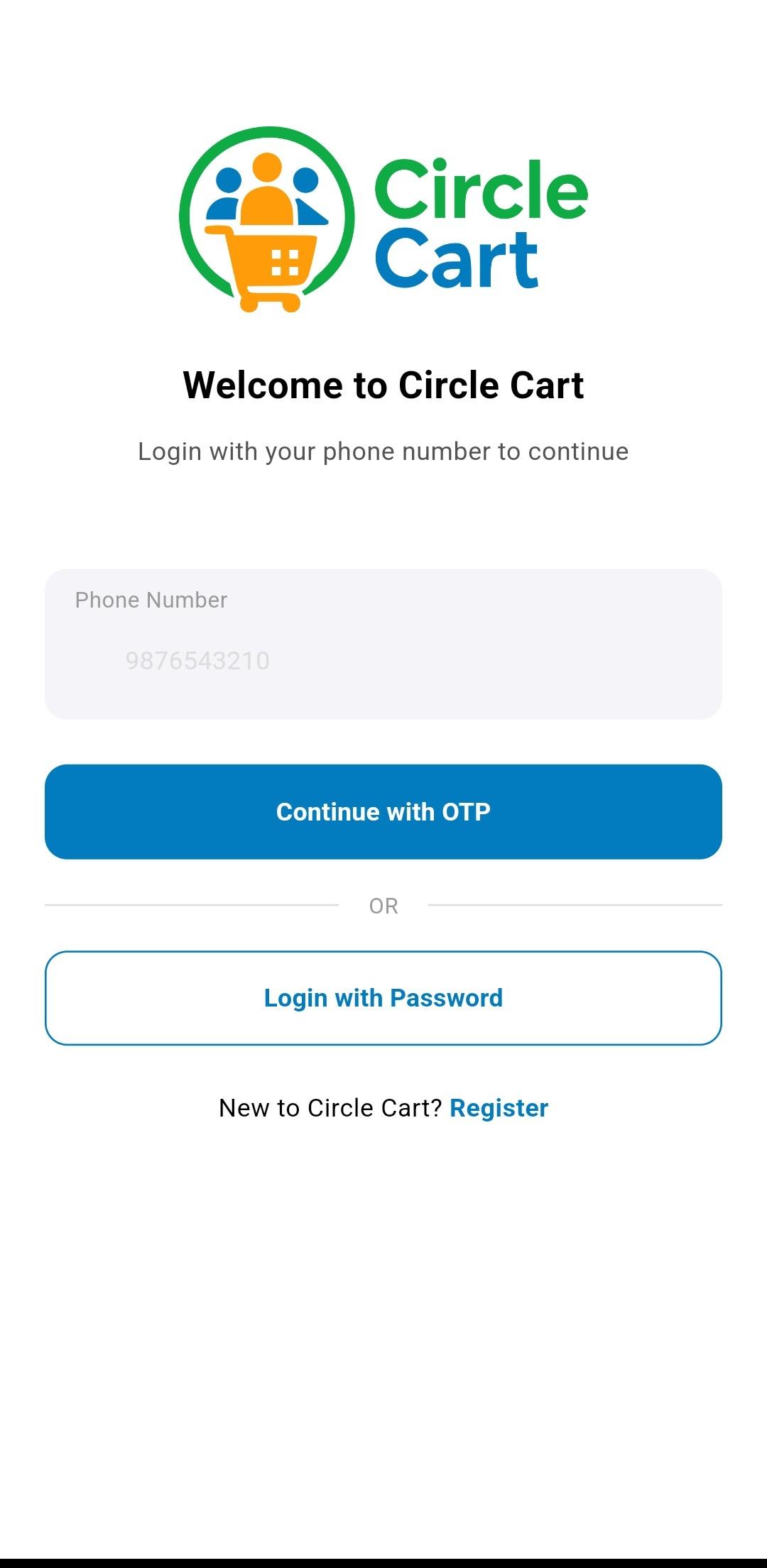
From the first browse to the final handover, Circle Cart keeps local buying and selling clear and uncomplicated.
7simple app moments
to explore
to explore
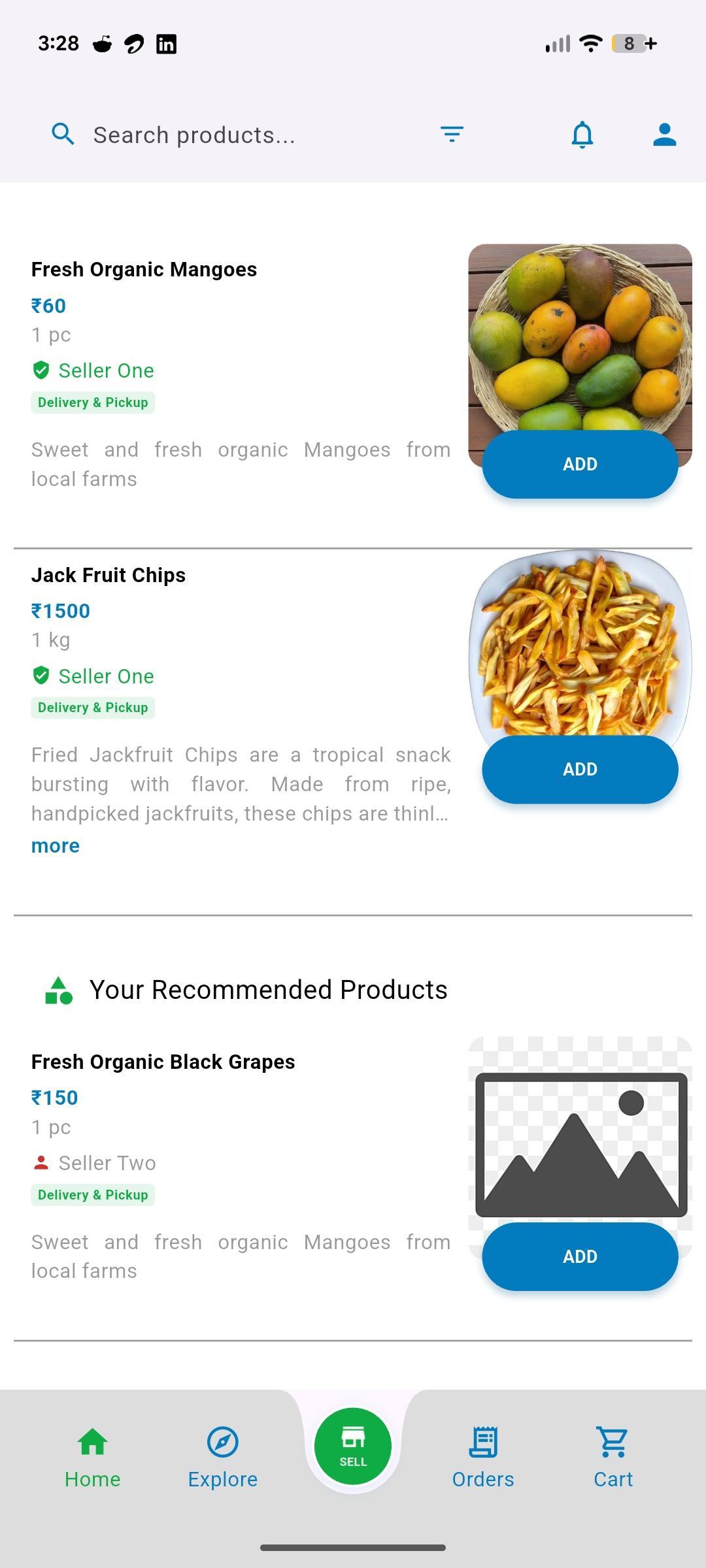
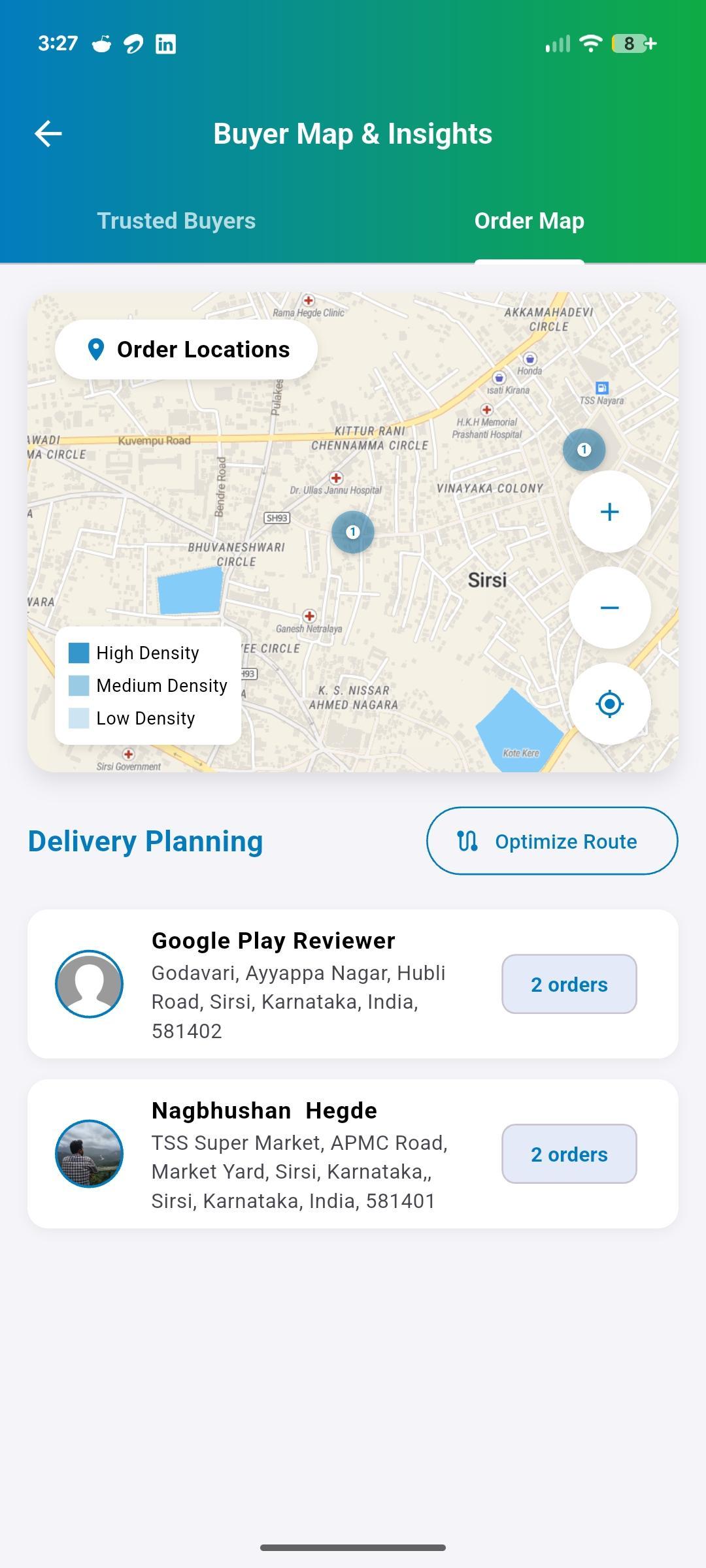
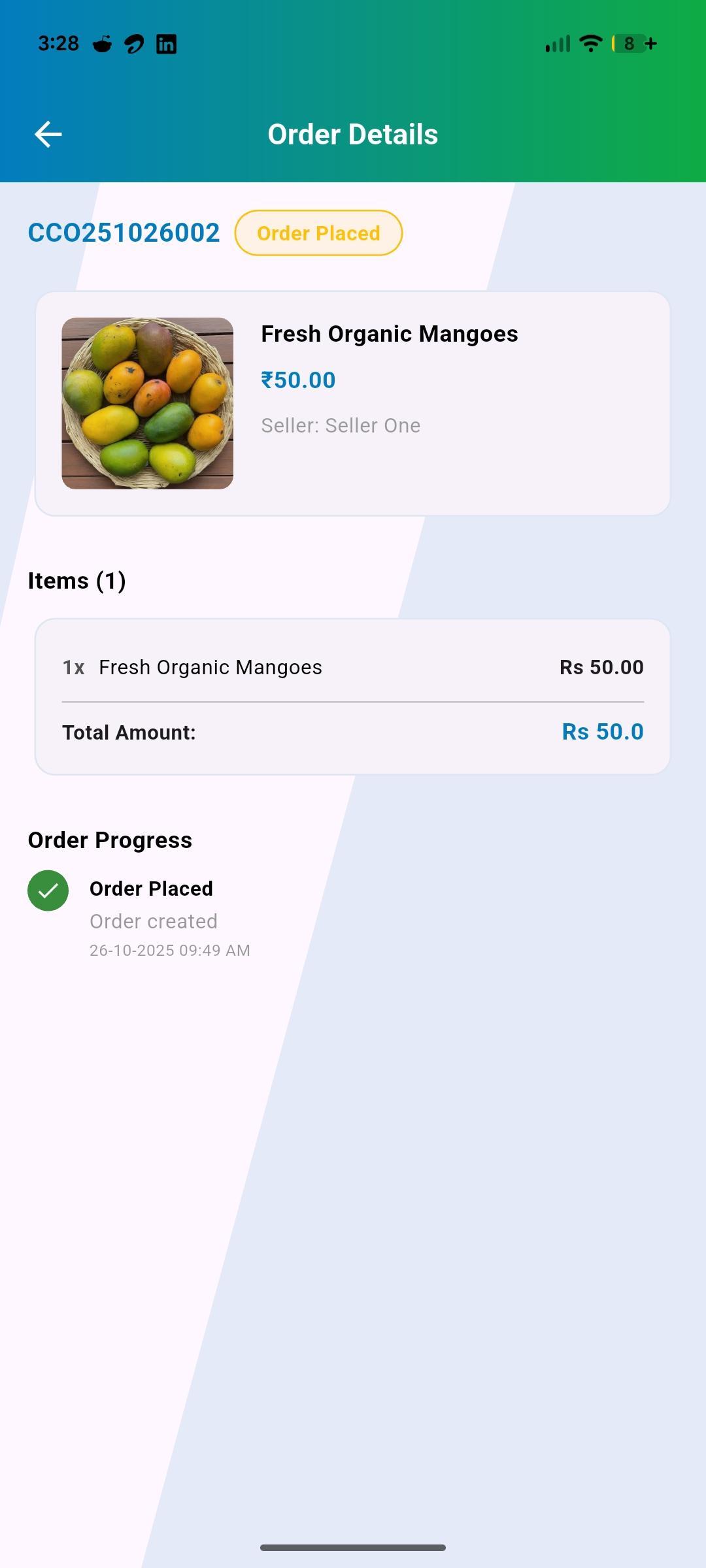
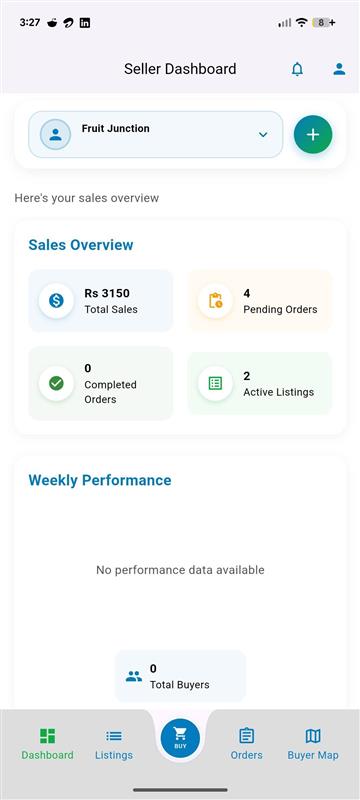
Good to know
Frequently Asked Questions
Quick answers to help you get the most from Circle Cart.
Circle Cart is a local marketplace that connects nearby buyers and sellers. Discover people through your contacts or location, choose whom you trust, and buy or sell within your community.
You can build trust connections by exploring nearby users, syncing your contacts to find registered friends, and sending trust requests. Once someone accepts your trust request, they become part of your trusted network, and you'll see their products prioritized in your feed.
Circle Cart uses your location to show nearby users within a 5km radius. You can view them on a map or in a list, see their distance from you, and send trust requests. This helps you connect with sellers and buyers in your immediate area.
Trusted products come from users in your trust circle - people you've connected with and trust. Recommended products are category-based suggestions from other sellers based on your interested categories, even if they're not in your trust network yet.
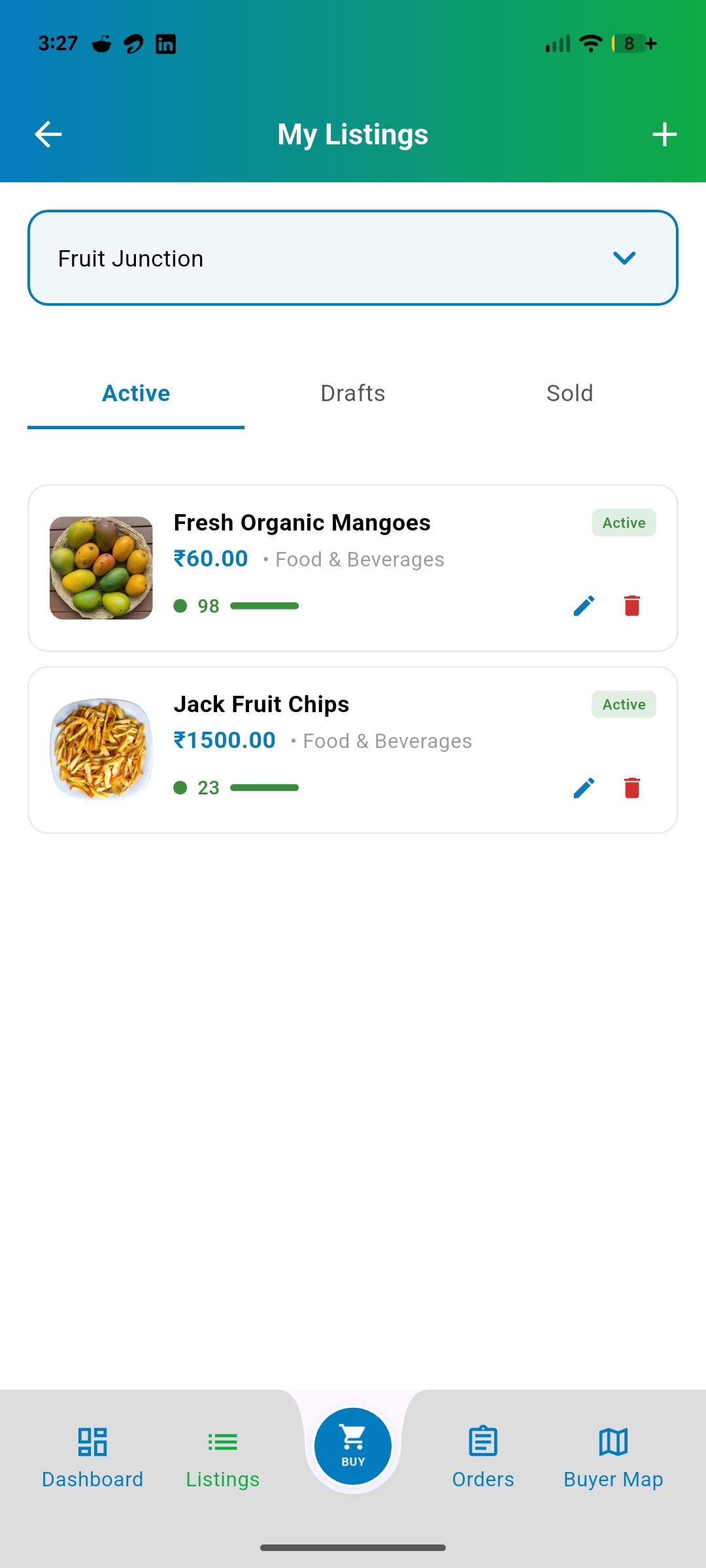
Go to the Sell tab to create new listings. You can add product images, set prices, choose delivery options (pickup, delivery, or both), set quantities, and manage your listings across Active, Draft, and Sold categories.
Circle Cart offers flexible delivery options: Seller Delivery (seller brings to you), Buyer Pickup (you collect from seller), or Both options available. You can filter products by delivery preference when browsing.
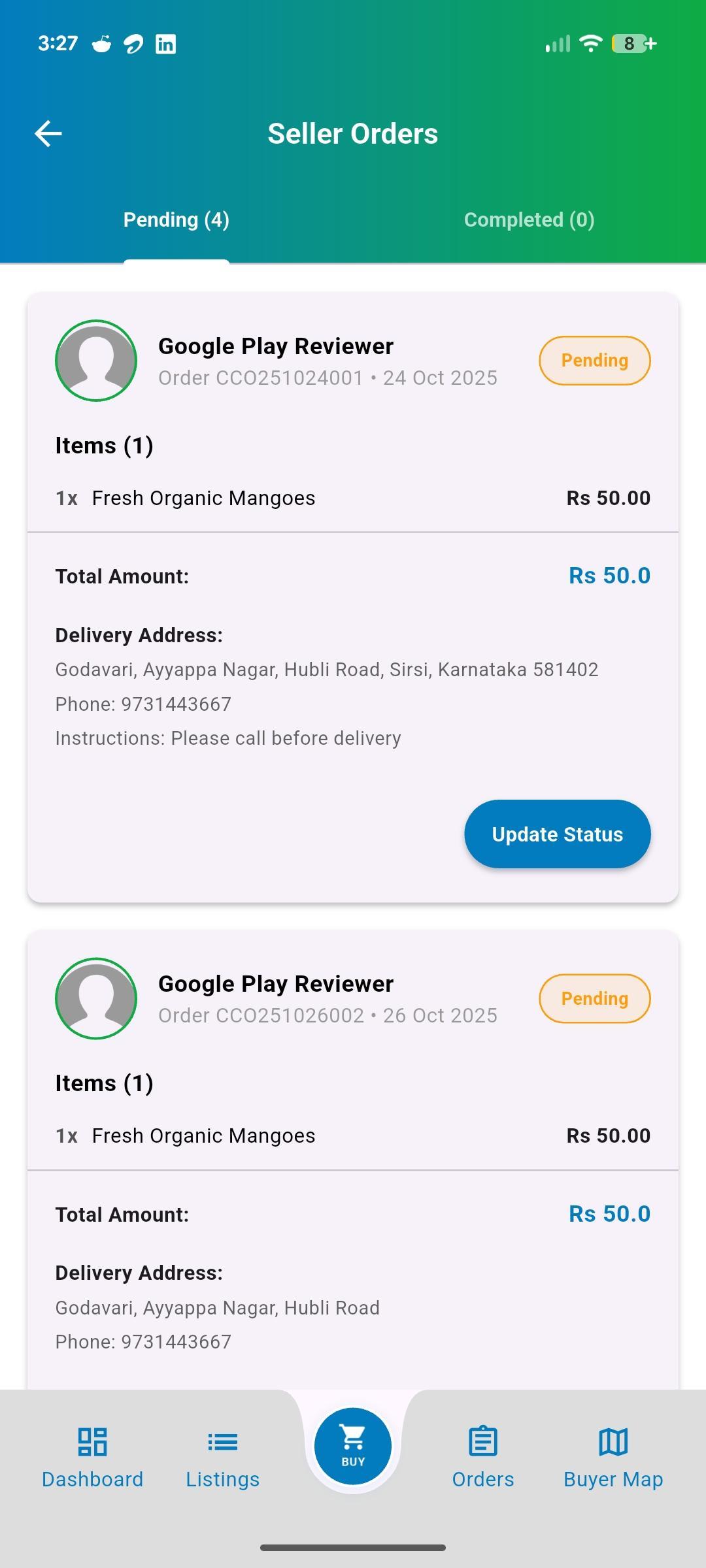
Circle Cart does not process payments or delivery. Buyers place an order in the app, then the buyer and seller arrange payment, pickup or delivery directly with each other.
Access your profile through the person icon in the top navigation. You can edit personal information, update your phone/email, change passwords, manage privacy settings, and view your order history.
You'll get notifications for new trust requests, order updates, messages from buyers/sellers, and product recommendations. The notification bell shows your unread count, and you can manage notification preferences in settings.
Visit the Help Center in your profile menu for FAQs and guides. You can also use the Contact Support feature to reach our team directly with specific questions or issues about your account or transactions.
Your circle is waiting
Buy nearby. Sell simply. Grow together.
Join a marketplace built around real people, useful products and trusted local connections.